Get the Chavivim app
Help when you need it most, on your phone. Call for help, see where the nearest division is, and follow what happens next.
- 24/7
- Volunteer-run
- Since 2018
Opening the app store…
Works on iPhone and Android. Not sure which you have? Tap either one — the store will tell you.
Wherever you are, one tap away
One central dispatch for the whole network, wherever you are.
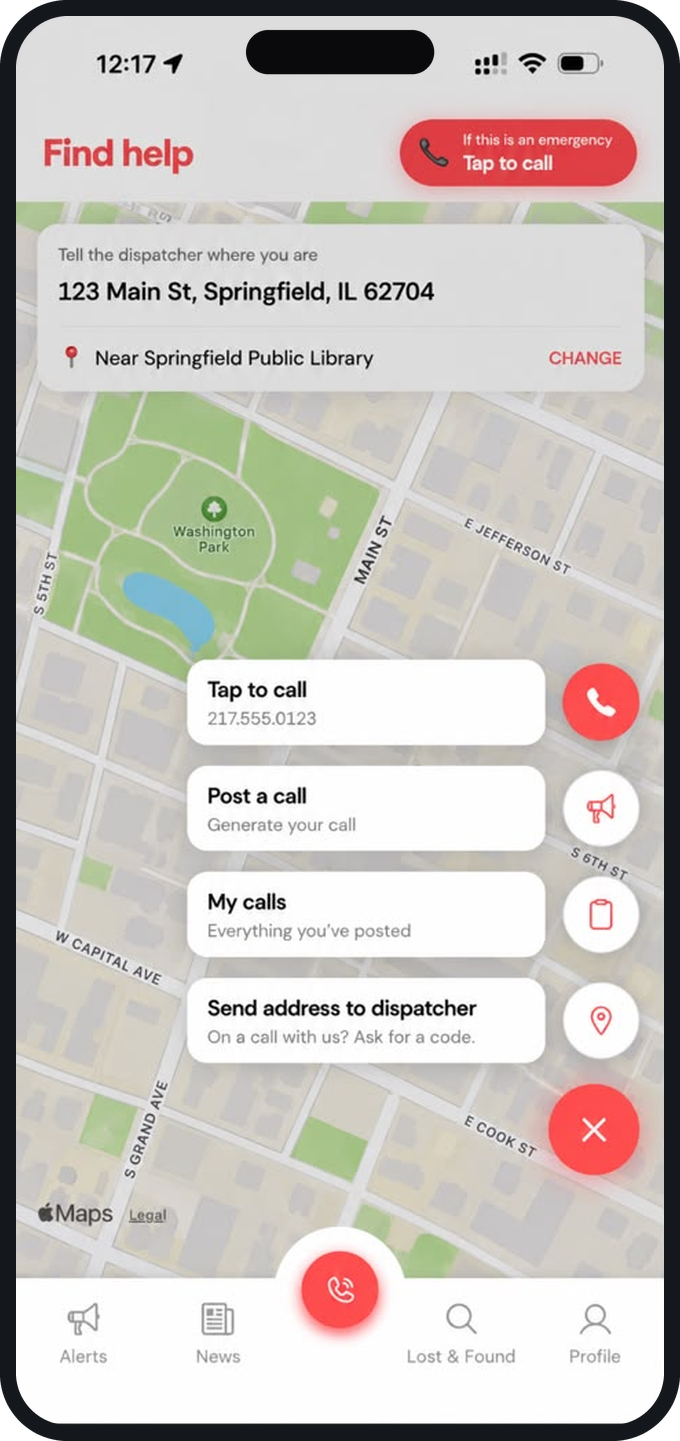
Find help
Tap to call, post a call, or send your address to the dispatcher.
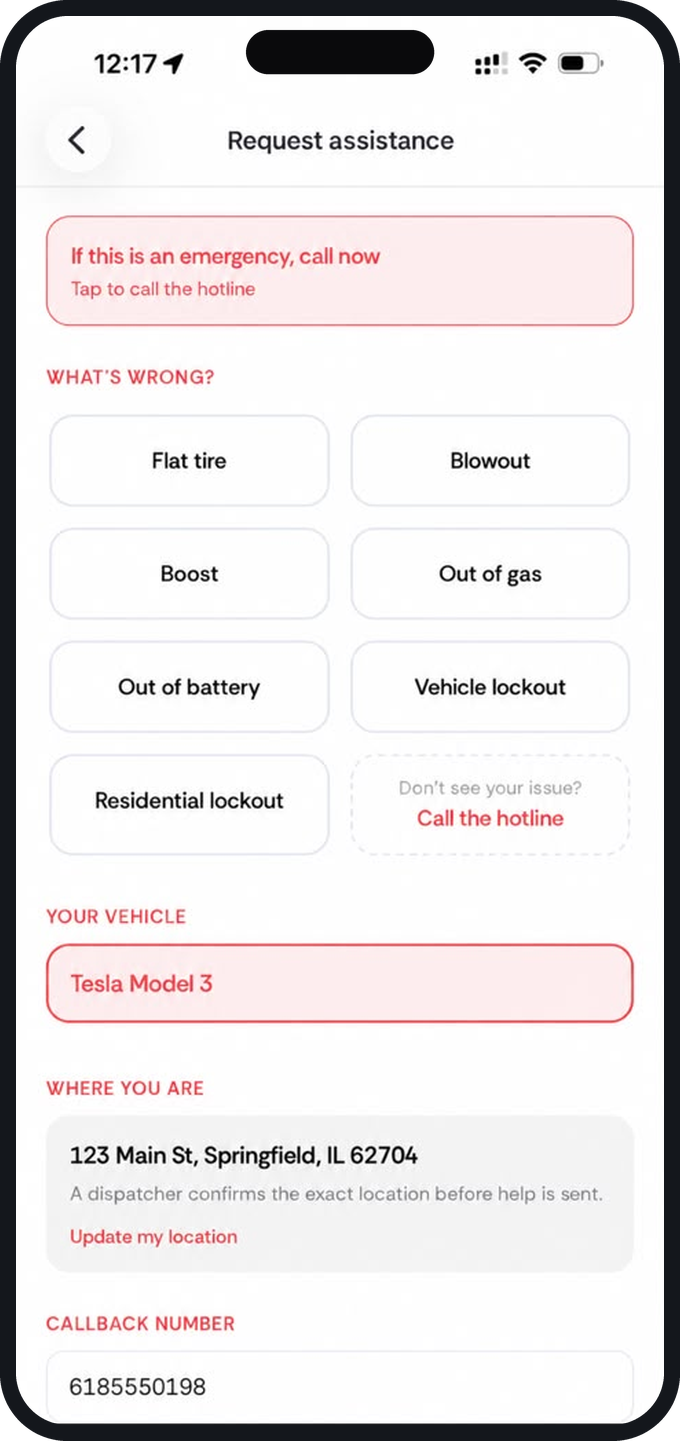
Send your call details
What's wrong, your car, where you are. You fill it in — nobody retypes it.
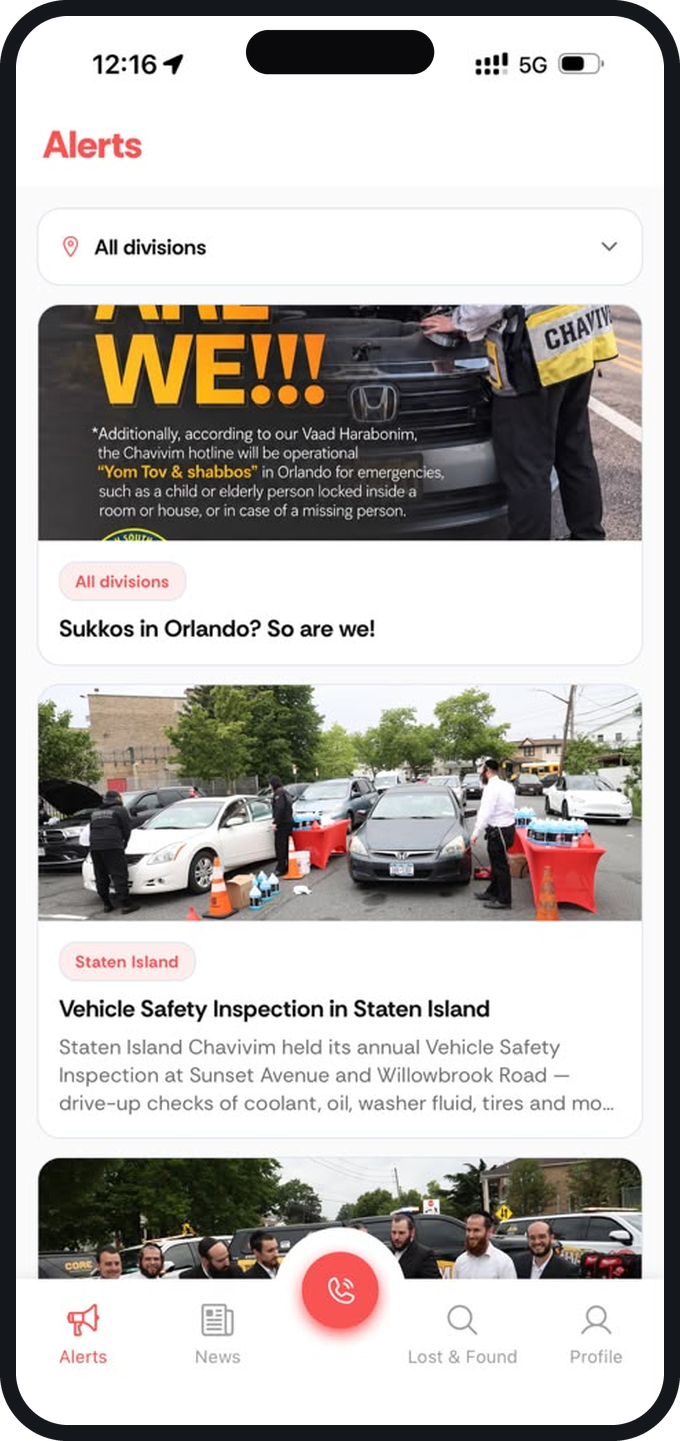
Alerts
Announcements from every division — or just yours.
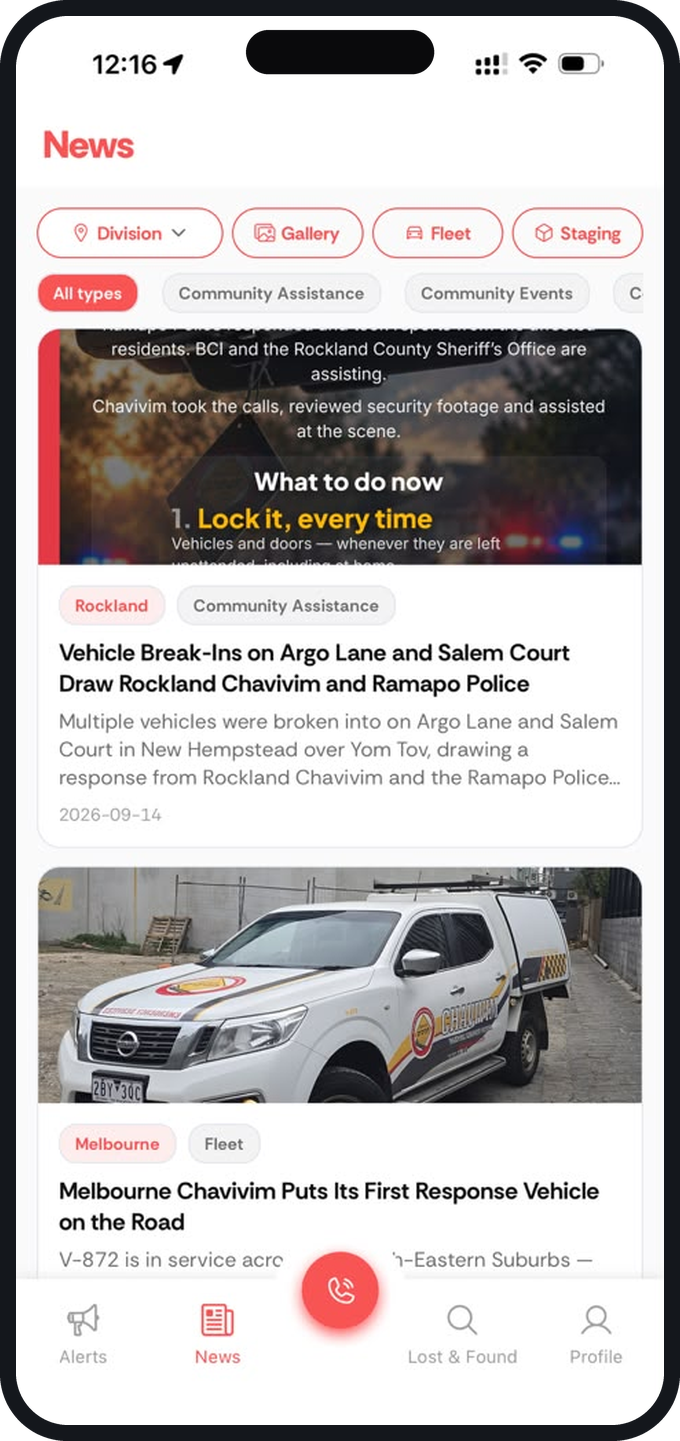
News, gallery & fleet
What Chavivim has been out doing, division by division.
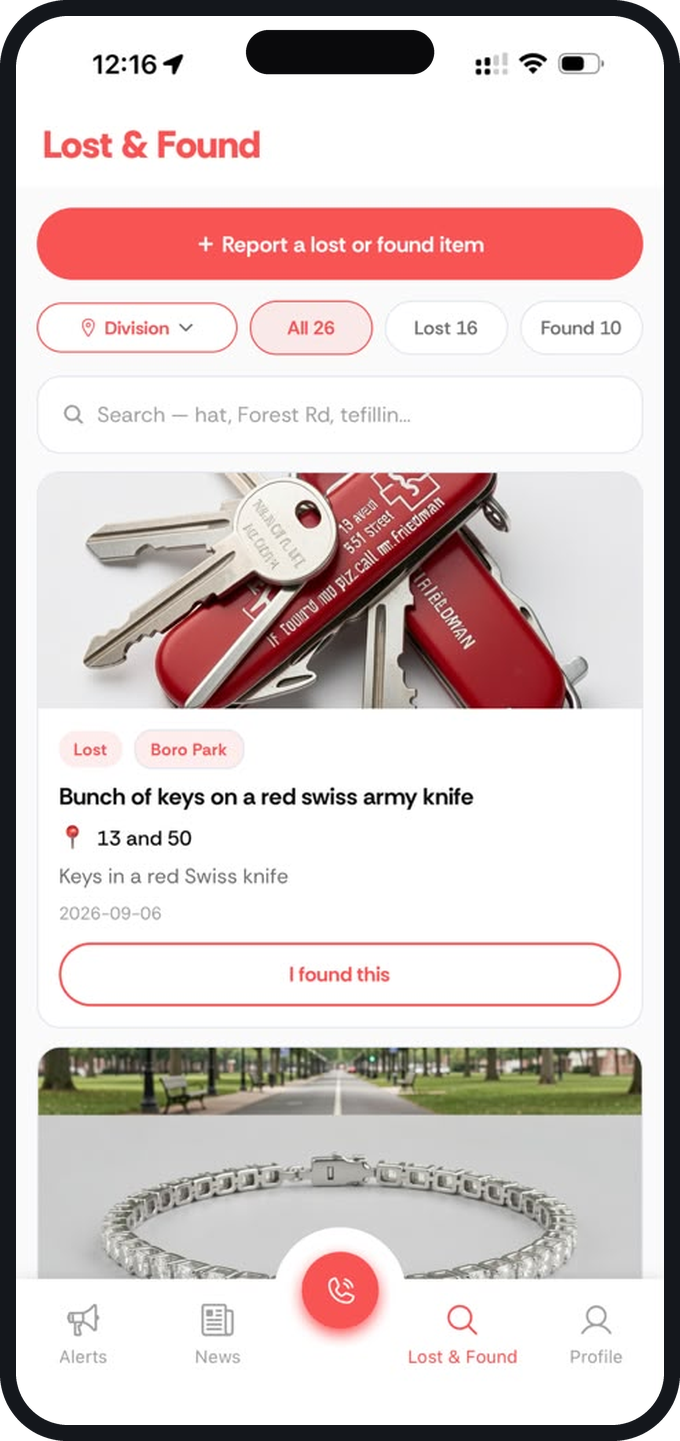
Lost & Found
Scroll what's been found. Post what you lost.